
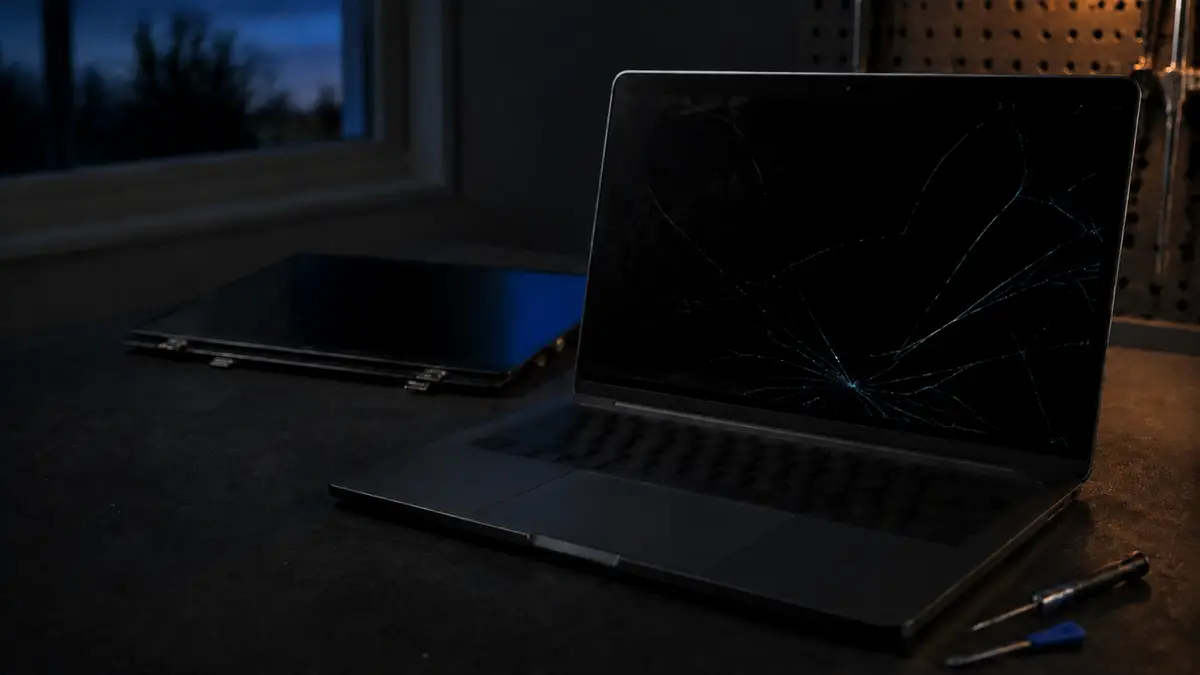
A cracked laptop screen looks like the end of the laptop. It very rarely is. The screen is a separate part, it is designed to be replaced, and on most machines it is a routine job that costs a fraction of a new computer.
What it costs
Labour starts at $99, plus the cost of the panel for your specific model. For most ordinary laptops the panel is the smaller half of that total, which puts a typical screen replacement comfortably under what people expect.
I price the panel for your exact model before ordering anything, so you get one total, labour plus part, and you approve it before I buy a thing. There is no markup buried in the part price; it costs you what it costs me to source for your machine.
Compare that to the machine you would replace it with. If the laptop is otherwise healthy and does what you need, a screen repair is almost always the better spend, because the cheapest replacement laptop on a shelf is often slower than the one you already own.
What makes one screen more expensive than another
The spread in panel prices is wide, and it comes down to a handful of things:
- Touchscreen or not. A touch panel is bonded to the glass digitiser and costs materially more than a plain one. If your laptop has touch, expect the higher end.
- Resolution. A standard 1080p panel is the cheap, common case. Higher-resolution panels cost more and are less widely stocked.
- OLED. Beautiful, and considerably more expensive to replace than an LCD.
- How common the machine is. Popular business laptops have plentiful, competitively priced panels. An unusual model, a very thin premium ultrabook, or a gaming laptop with a high refresh rate panel is dearer and sometimes slower to source.
- Whether the panel comes as a bare screen or a whole assembly. On some thin laptops the screen is bonded into the lid with the bezel and hinges, and the part is the entire top half rather than just the panel. That costs more, and it is a model-specific fact rather than something I can guess at over the phone.
Is the screen actually the problem?
This is the part worth checking before you spend anything, because several different faults look identical from the outside. A black or garbled display can be the panel, the ribbon cable, or the graphics side of the mainboard.
There is a simple test you can do at home. Plug the laptop into an external monitor or a TV with HDMI. Then:
- If the external display shows a clean, correct picture, the computer itself is fine and the fault is in the screen or its cable. This is the good outcome and the repair is straightforward.
- If the external display shows the same corruption, or nothing at all, the problem is further back: the graphics side of the mainboard. That is a very different and usually much more expensive conversation, and replacing the panel would not have fixed it.
Visible physical damage makes this easy: if there is a spiderweb crack or a spreading dark bloom of leaked liquid crystal, that is the panel and nothing else. A screen that flickers, or that works only at certain lid angles, is often the ribbon cable rather than the panel, cheaper again, and worth finding out before ordering a screen you did not need.
Can you keep using it in the meantime?
Usually, with two caveats. If the picture is still readable and the crack is not spreading, plugging into an external monitor is a perfectly reasonable stopgap. But if the glass is broken to the point of being sharp, or if the damage is progressing week by week, get it done, and if any liquid has leaked from the panel, that is not going to improve.
The one thing I would not do is keep flexing a cracked panel by opening and closing the lid repeatedly. Damage that starts as a single line has a habit of becoming half the screen.
Should you attempt it yourself?
You can buy a panel online, and on some older laptops the job is genuinely approachable: a few screws, a bezel that pops off, one ribbon connector. If you are handy and the machine is old enough that a mistake is not catastrophic, it is a reasonable project.
The reasons people bring these to me anyway are worth knowing before you order a part. Getting the exact panel right is the most common failure: the same laptop model number often shipped with several different panels, and matching connector type, resolution and mounting is not something a listing title reliably tells you. Modern thin laptops use adhesive rather than screws, which needs heat and patience to separate without cracking the new panel. And the display cable connector is small and easy to damage. A torn connector turns a $99 repair into a board-level one.
If you have already tried and it did not go to plan, that is genuinely fine and it happens often. Bring it in and I will pick it up from wherever it got to.
How long it takes
The work itself is usually under an hour. The timeline is really about the part. You book a drop-off, I confirm the exact panel your machine takes and phone you the same day with the total. Once you approve it, the part is ordered, and it goes in as soon as it arrives, commonly a couple of days, longer for unusual models. I tell you what to expect when I quote it rather than after.
If you need the machine in the meantime, say so. In most cases you can take it home and keep working on an external monitor until the panel lands.
When a screen repair is not the right call
If the laptop is old enough that the screen is one of several things wrong with it, or if the panel is one of the expensive bonded assemblies on a machine that was already struggling, the total can approach the point where replacing makes better sense. I will say so plainly rather than quietly taking the job.
The way to find out is the flat $40 diagnostic, which confirms whether it is the panel, the cable or the board, and gets credited to the repair when you go ahead. Call or text (604) 817-1069, or book a drop-off time online.
Need a hand with this?
Honest, upfront pricing in Lake Country, Kelowna and Vernon. Book a repair or give me a call.
Explore
Bryce Elliot
Owner, Lake Country Computer Repair, nearly 20 years experience