
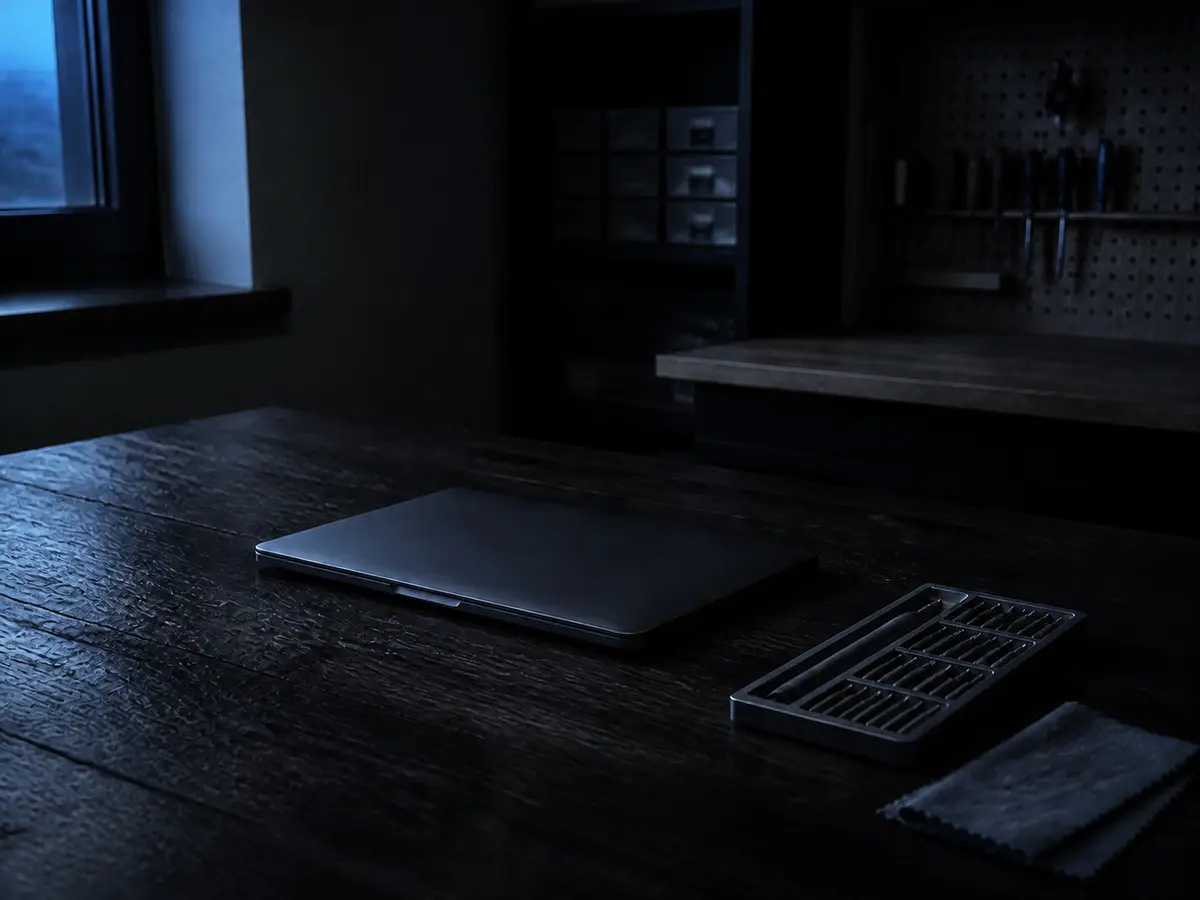
Macs are welcome here, and a fair amount of what comes across my bench is Apple hardware. The honest version of Mac repair, though, is that some of it is completely routine and some of it Apple has deliberately made difficult, and knowing which is which before you spend anything is the whole point of the $40 diagnostic.
What is straightforward
- Batteries. The most common MacBook job by a distance. A battery is a consumable. It degrades with every charge cycle, and after several years it holds a fraction of what it did. Replacing one frequently makes a Mac that felt finished feel current again.
- Screens. Cracked, flickering, or showing lines. Replaceable, though the part is the bigger half of the cost on Macs and the price varies a lot by model.
- Keyboards and trackpads. Sticky keys, keys that repeat or do nothing, trackpads that have stopped clicking.
- Fans, and the heat problems that come with them. A Mac that runs hot and loud is very often full of dust with dried-out thermal paste, and cleaning and repasting it transforms how it behaves.
- Charging problems. Frequently the cable or the charger rather than the Mac, which is the cheapest possible outcome and worth checking first.
- macOS problems. A Mac that will not boot past the Apple logo, is stuck in a restart loop, or has become unusably slow. Often software rather than hardware.
- Slowdowns on older Intel Macs. Many can take more memory or a larger drive, and both make a real difference.
- Setting up a new Mac and moving everything across from an old machine, Mac or Windows.
What changed, and why it matters to you
Older Macs, broadly the Intel generation, are built much like other computers. Memory and storage are frequently separate parts, so upgrades and repairs are ordinary work. If you have one of these, most things are on the table.
Newer Macs, especially the Apple silicon models, are a different proposition. Memory and storage are soldered to the mainboard rather than fitted as separate parts. That has two consequences worth understanding:
- You cannot add memory or storage later. Whatever the Mac was bought with is what it has for its entire life. This is the single most important thing to know when buying one, and it is why paying for more memory up front is a genuinely different decision on a Mac than on a PC.
- Storage failure becomes a mainboard problem. On a normal computer a dead drive is a part you replace. On these Macs the storage is the board.
The part I most want people to know: data on a modern Mac
This is the reason I would rather have this conversation before something goes wrong than after.
On a modern Mac, storage is soldered to the mainboard and encrypted by a dedicated security chip that is also part of that board. The encryption is excellent for your privacy and it is genuinely one of the better things about owning a Mac. It also means that if the mainboard dies, the data on it is, realistically, gone. There is no drive to remove and read in another machine, and no way around the encryption without the board that holds the key.
On a Windows laptop that will not power on, the drive usually comes out and the files come off in an afternoon. That escape route often does not exist on a modern Mac. Which means the backup is not a nice-to-have on these machines. It is the only copy of your data that exists outside a single soldered board.
Time Machine is built into macOS, it works well, and it needs nothing more than an external drive left plugged in. iCloud covers some of it, though sync is not the same thing as backup: if a file is deleted, that deletion syncs too. If you own a recent Mac and have no backup, that is the most valuable thing you could do today, and it costs the price of a drive.
Where a Mac is still recoverable (an older Intel model, or a newer one where the board is fine and the fault is elsewhere), I will tell you honestly at the assessment. And where it is not, I will tell you that rather than charge you to find out slowly.
Is an old Mac worth repairing?
Often more so than an equivalent-age PC, for two reasons. Mac hardware tends to be well built to begin with, so a machine that is several years old is frequently mechanically sound apart from the one thing that has failed. And Macs hold their value, which means the replacement cost you are weighing the repair against is high.
A battery or a keyboard on a Mac that is otherwise healthy is usually easy to justify. Where it gets harder is a mainboard fault on an older machine, because the board is most of the value. That is the case where replacing more often makes sense, and I will say so.
The other limit is macOS updates. Apple supports each Mac for a number of years and then stops, and once a Mac stops receiving security updates the same logic applies as an unsupported Windows machine: it keeps working, but I would be cautious about banking on it indefinitely. That is worth factoring in before spending significantly on a repair.
Why bring it here rather than an Apple Store
Sometimes you should not. If your Mac is under warranty or covered by AppleCare, use it. That is what you paid for, and I will tell you so rather than take a job your warranty would have covered for nothing.
Outside of that, the practical differences are the drive and the conversation. The nearest Apple Store is not in the Okanagan, so a warranty-style repair usually means shipping the machine away and waiting. Here it is twenty-five minutes from Vernon, twenty from Kelowna, you talk to the person doing the work, and you get a diagnosis the day you drop it off.
The other difference is that I will repair things Apple would prefer to replace, and I will give you the honest cost comparison in both directions. On an older Mac in particular, an authorised repair quote and a sensible independent one can be very different numbers for the same outcome.
Bring the Mac, and if you have a charger for it bring that too. It starts with the flat $40 diagnostic, credited to the repair when you go ahead. Call or text (604) 817-1069, or book a drop-off time online.
Need a hand with this?
Honest, upfront pricing in Lake Country, Kelowna and Vernon. Book a repair or give me a call.
Explore
Bryce Elliot
Owner, Lake Country Computer Repair, nearly 20 years experience