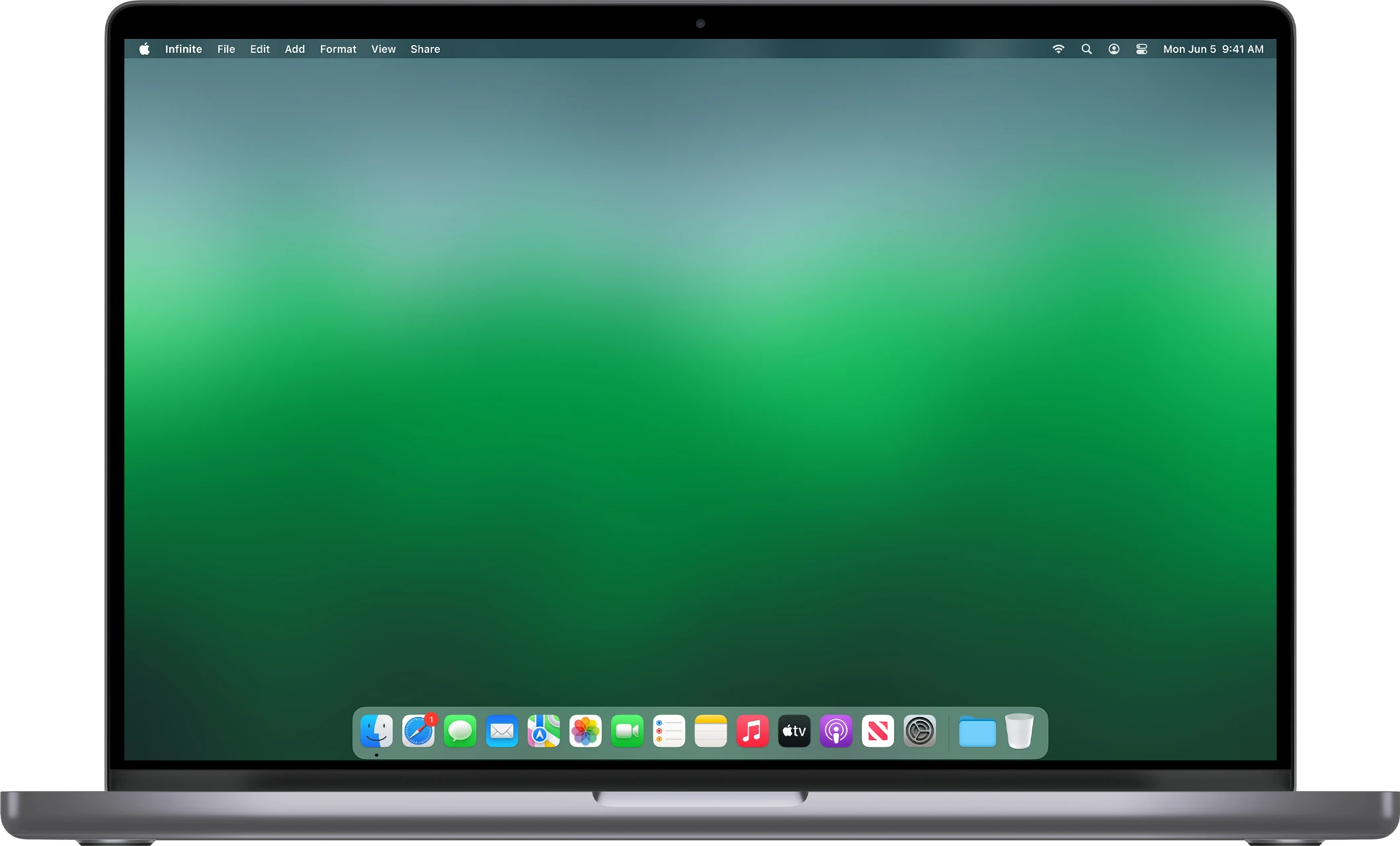
Mac owners in Lake Country often assume the only option is a long drive to the Apple Store in Kelowna, an appointment days out, and a quote to match. There is a local alternative. I repair Macs — MacBook Air, MacBook Pro, iMac and Mac mini — right here, with the same honest, owner-operated approach I bring to every machine.
Common Mac repairs I handle
- Battery replacements on MacBooks that no longer hold a charge
- Cracked or dim screens
- Liquid-spill cleanup and damage assessment
- Slow Macs — cleanup, storage upgrades and a fresh start
- macOS that will not boot, update problems, and stuck installs
- Data recovery and transfer to a new Mac
- Setup help and patient, plain-English answers for new Mac owners
Mac or PC — I am honest about both
Some repairs on the newest, most tightly-glued Macs genuinely are better sent to Apple, and if yours is one of them I will tell you straight rather than take on something that is not in your interest. For the large majority of everyday Mac problems, though, I can sort it locally, faster, and usually for less.
Local Mac help, no appointment marathon
Drop-off and in-home options are both available across Lake Country, Kelowna and Vernon. The $40 diagnostic is credited to your repair, and you deal with one person the whole way through. Call or text (604) 817-1069 and tell me what your Mac is doing.
Need a hand with this?
Honest, upfront pricing in Lake Country, Kelowna and Vernon. Book a repair or give me a call.
Explore
Bryce Elliot
Owner, Lake Country Computer Repair · ~20 years experience